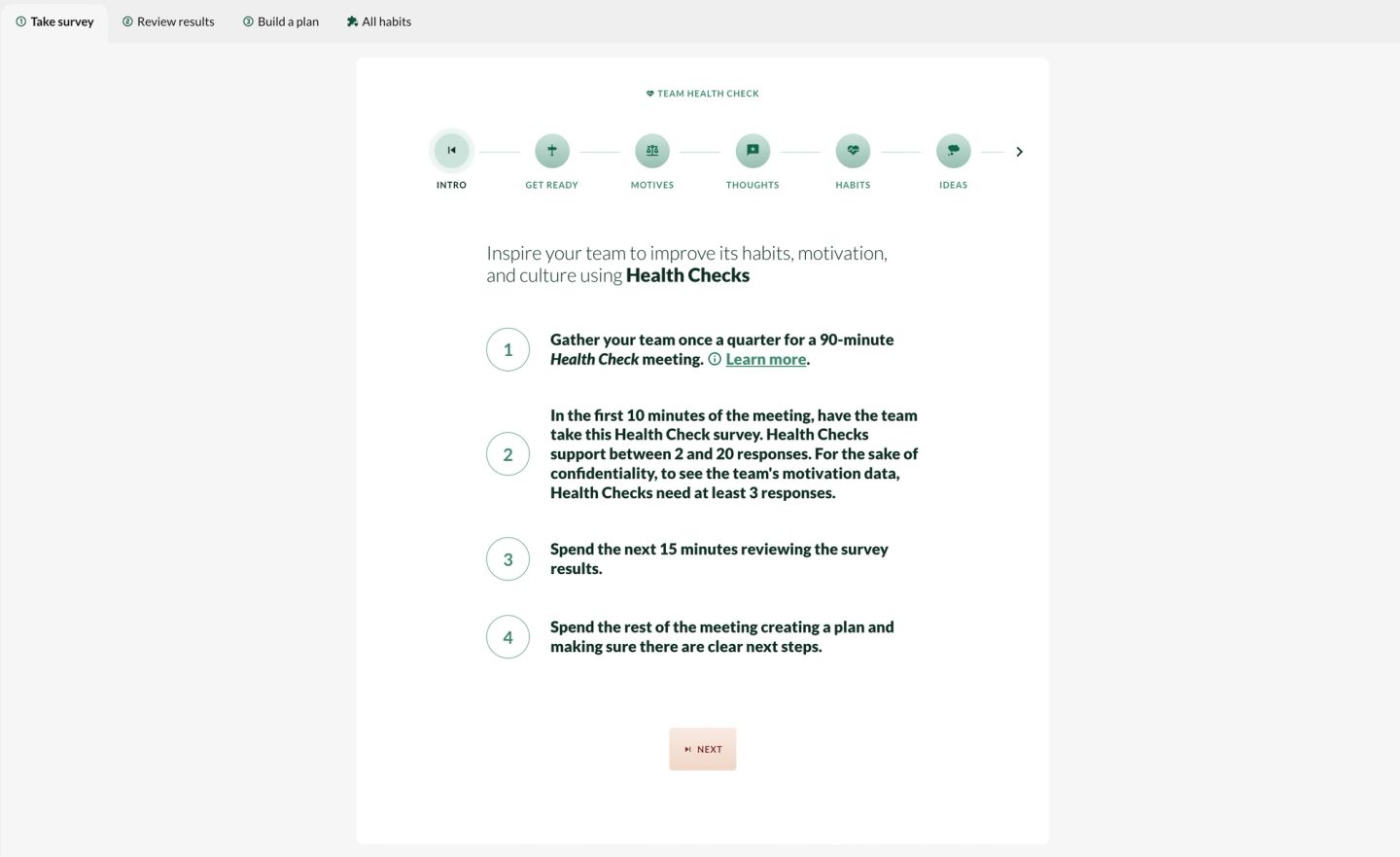
First, have everyone take the survey
Each person should:
- Select your workspace in the left panel and click the “Habits” app. (If you're not sure what a workspace is or how to access/create one, click here.)
- Click the tab labeled "Take survey" at the top left of the main page area.
- Click “Next” in the middle of the page near the bottom and follow the prompts to take your Culture Check.
- Once everyone has completed their survey, the survey will close automatically and the report will be generated in real time for all to see.

Second, review results
This step activates once your Culture Check has completed. It contains an AI-generated report that provides insight into the team's motivation, which habit the team wants to improve, and hypotheses to improve it. Remember not to focus too much on the motivation score. Think of it as a fuel gauge, not a grade on a test. Also, it’s more helpful to notice the trend over time than the score at any given moment.

Third, make a plan
At the bottom of your Culture Check you'll see ideas from the team.
- Review the idea cards. Some of these will have been generated by Factor AI; others will have been shared by colleagues.
- Pick 1-3 ideas that you want to try as a team over the course of the next few weeks. Move them to the PLAN column.
- For each idea you picked, come up with a concrete plan and add it in the "Next Steps" column.

Congrats, you're done! Schedule your next Culture Check for 3 months in the future. Better yet, make it a recurring meeting so that your team is always managing its motivating and improving.
Who can start a workspace's Culture Check?
Anyone can trigger a Culture Check for any workspace by completing the steps above. You do not have to be a leader to trigger a Culture Check. However, teams should agree on who is responsible for starting and closing Culture Checks. This helps ensure that Culture Checks happen on a regular schedule and that everyone is included.
Can new members of the team take a Culture Check?
Yes, new team members can take a Culture Check. If your workspace currently has an active Culture Check, any new members will automatically receive that Culture Check as well.
If your workspace does not currently have an active Culture Check, new additions will automatically be included in the upcoming Culture Check.
Note: If you are a manager and you forgot to add someone to your workspace during onboarding, simply add them to your workspace by completing the steps in the section add/remove people from a workspace. Once added, they will automatically get the active Culture Check you set up.
Can my team take a Culture Check if we are just two people?
Yes, you can take a Culture Check even if you are on a team of just two people! There are two ways to do this:
- You can each complete the Culture Check and use it to facilitate a more direct conversation between the two of you. Note that the responses won’t be anonymous for groups of less than 3, since knowing your own responses means you can figure out what the other person said.
- OR - You can invite a senior leader to participate in the Culture Check to get a broader perspective and safeguard anonymity of responses.
How should I introduce and describe Culture Checks to my team?
Culture Checks are quarterly team meetings that empower teams to build high-performing cultures. That team meeting is powered by a Culture Check diagnostic in the Factor platform. During a Culture Check, team members answer questions about their motivation for the work in the coming weeks and choose from a menu of options for how the team might improve the way they work together. The result is an AI-generated report that synthesizes the group's responses, highlights positive developments, and gives tailored advice for how to improve. Unlike traditional employee engagement surveys, Culture Checks are self-administered by the team, forward-looking, and focus on driving behavioral change. Teams use the output of their Culture Check diagnostic to form an action plan for the next quarter.
If useful, here is a sample email to send to your team when scheduling:
Team,
On [INSERT DATE] we’ll be meeting for 90 minutes for a Culture Check discussion. During this meeting, we will take a brief diagnostic survey about our team and spend most of our time coming up with changes we can make to improve our team’s motivation and performance.
Bring your computers, as we will use them to take the diagnostic and plan next steps.
You should have received an email from Factor with a link to sign yourself up. Please do so. If you can’t find the email, then it may be in your spam; please search your email for “Factor”.
If you want to learn more about these Culture Checks, you can read more at factor.ai. If you want to learn more about the science of motivation and performance, check out the book Primed to Perform or this summary article.
I’m really looking forward to this. Please come ready to brainstorm ways we can make our team better.
What if people are sick or can't make it to the Culture Check meeting?
For planned PTO (e.g., vacation or family leave), have the team member take the Culture Check survey before they go out of office. When the rest of the team takes their Culture Check, that colleague's survey responses will already be part of the report! When they return, encourage the team member to review the report and add ideas or posts to the plan built by the team.
For unexpected absences (e.g., out sick), try to reschedule. The experience is really hard to replicate asynchronously. If this isn't feasible, the person should read the Culture Check report and plan built by the team once they are back. They can add posts to the tomo portion of the survey to indicate their own sentiments, and should be encouraged to add ideas or posts to the plan built by the team. Create space for discussion of their ideas in a subsequent 1-on-1 or team meeting. This is important for inclusion.