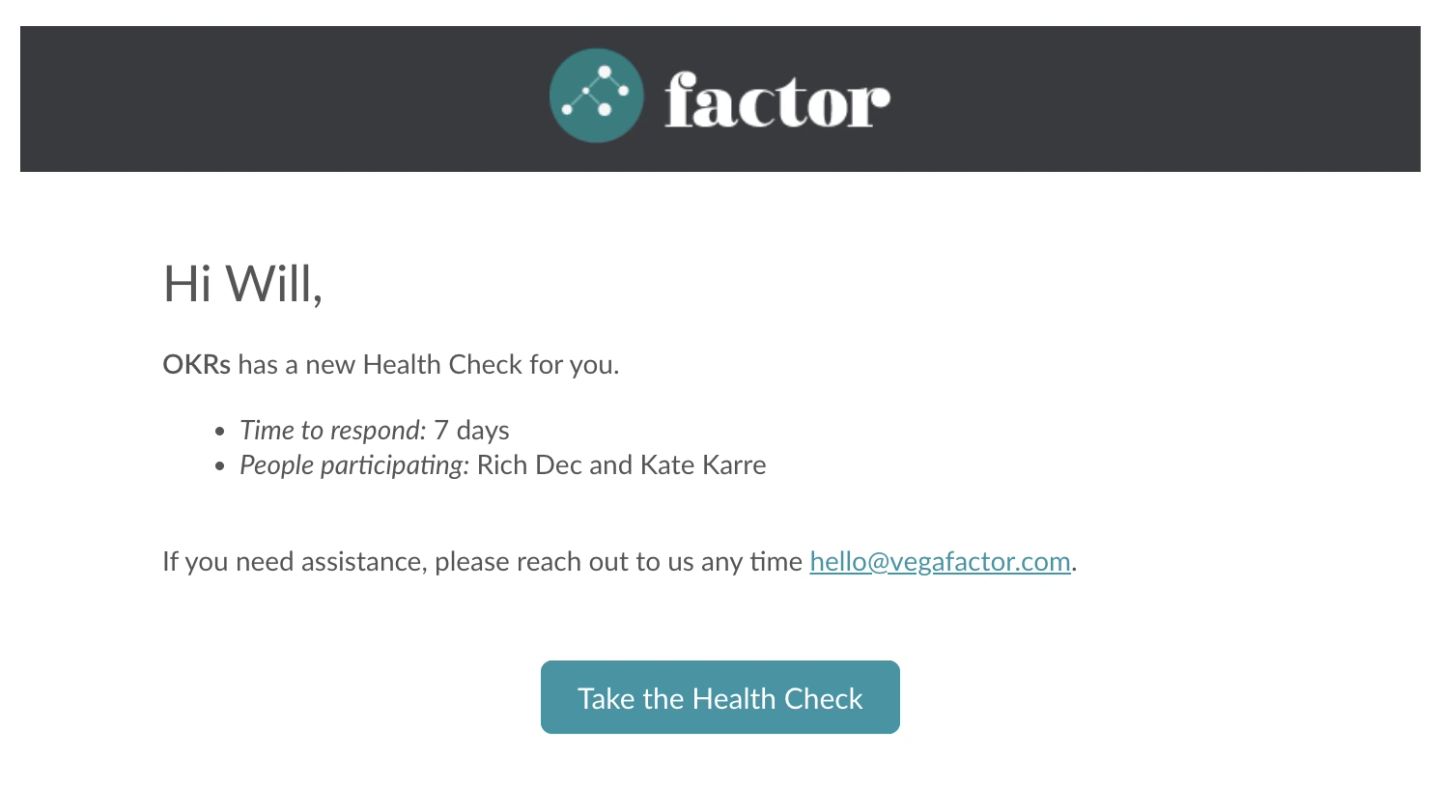
If your team has an active Culture Check, then most likely, you received an email notification. To find that email, search your email for “Culture Check”, then click the prompt in the email.

You can also see if you have any outstanding Culture Checks to complete by clicking the “Reminders” button near the top left of your page in Factor.

You can also access a Culture Check using the following steps:
- See if your workspace has Culture Checks turned on by looking at the icon to its left in the left panel. Workspaces with no Culture Checks have an @ symbol; workspaces with Culture Checks have a heart symbol.
- To fill out the Culture Check for a workspace, click on the workspace and then click on the Health app. By default you will drop on the "Take survey" tab, where you will see instructions followed by a big "Next" button. Click that, and you will be taken to the first page of the Culture Check.

Are my Culture Check answers anonymous?
Your individual answers to Total Motivation and Habit questions will remain completely confidential and results will be reported only in aggregate.
Posts you write on questions in Culture Checks, as well as whether you volunteer to own something, are not anonymous and are publicly visible. We have found that transparency on these questions leads to higher trust and better conversations.
Can I see my individual answers separate from my team’s results?
No, and here’s why:
- Culture Checks are about the team, not any one individual. What matters is the overall balance of responses, not any one response.
- Culture Checks are about taking action for the future, not dwelling on the past. Rather than keep track of how you’ve responded, it’s more important to think about what actions you want to take to improve the team.
Can I retake the Culture Check after I submitted it?
No, and here’s why: Culture Checks are designed to be a recurring reminder for teams to work on themselves. They’re not a report card, and they don’t have to be 100% accurate all the time. It’s ok if you change your mind after submitting. You can add a post to the most relevant motive or habit, or share what’s on your mind when the team meets, if it warrants discussion. You can say something like, “I realized after I submitted the Culture Check that my answers weren’t quite accurate. Instead of X, what I really think is Y.” And remember: your quantitative answers are anonymous, so no one will know how you responded unless you tell them.
Can I remove myself from a Culture Check?
Yes, you can remove yourself from a Culture Check. If you are asked to complete a Culture Check for a workspace you are not an active participant in, or if you were added to the wrong workspace and its Health Habit by accident, you can remove yourself from the Culture Check in the following way:
- From the left side-panel, find the Culture Check for the team you’d like to leave and click the 3-dot menu
- From the options you can choose to either “Leave workspace” or “Change to follower”. Both options will automatically remove you from the active Culture Check for the workspace. Note: leaving the workspace will remove it from your left panel entirely, while becoming a follower will move it to a lower section in your left panel.

How can I see my team's Culture Check results?
To view your team's Culture Checks results, click on the "Review results" tab at the top of the workspace's Habit app. Once someone on the team clicks "Create report", Factor AI will start generating a report that summarizes key insights from the Culture Check and gives customized advice for how you can improve as a team.
